
For recruiters and hiring managers
Every handoff starts with context.
Review candidate evidence, compare people for the same role, and keep the next question in view—all in one candidate workspace.
Free 30-minute Teams demo. Use our example or bring your workflow.
Camille Laurent · Customer Success Manager
Product walkthroughChoose a view to see what your team can do and what carries into the next step.
Resume the review.
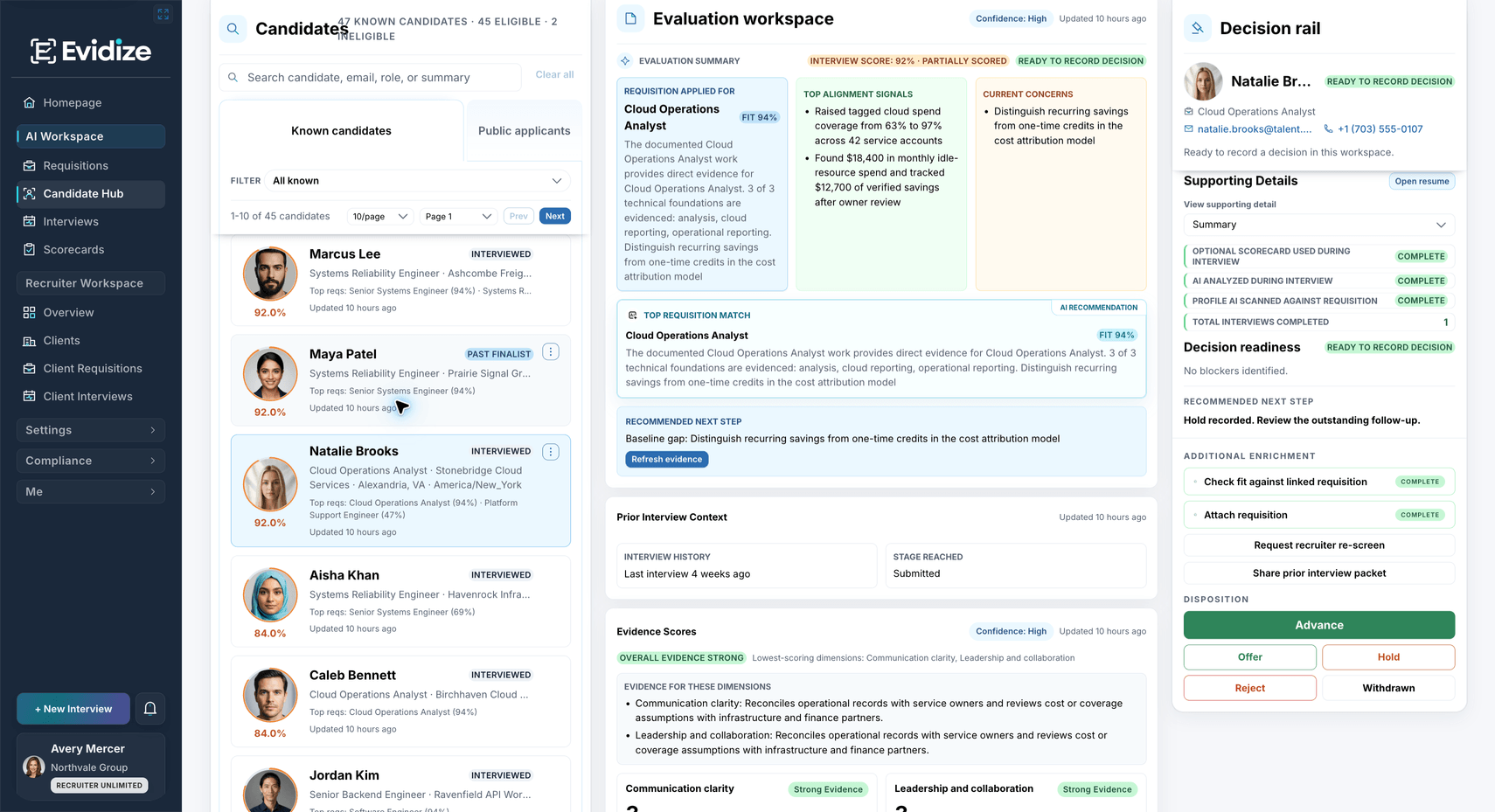
One candidate record: the evaluation, interview history and readiness checks sit together before a reviewer chooses the next action.
Camille’s record brings role alignment, completed interview context and recorded scorecard ratings together. The recommended verification question remains visible beside the summary.
What you work with
- Role alignment
- Interview history
- Recorded ratings
What carries forward
A shared starting point
The next reviewer can see both the available evidence and the question still worth asking.
Know what still needs confirming.
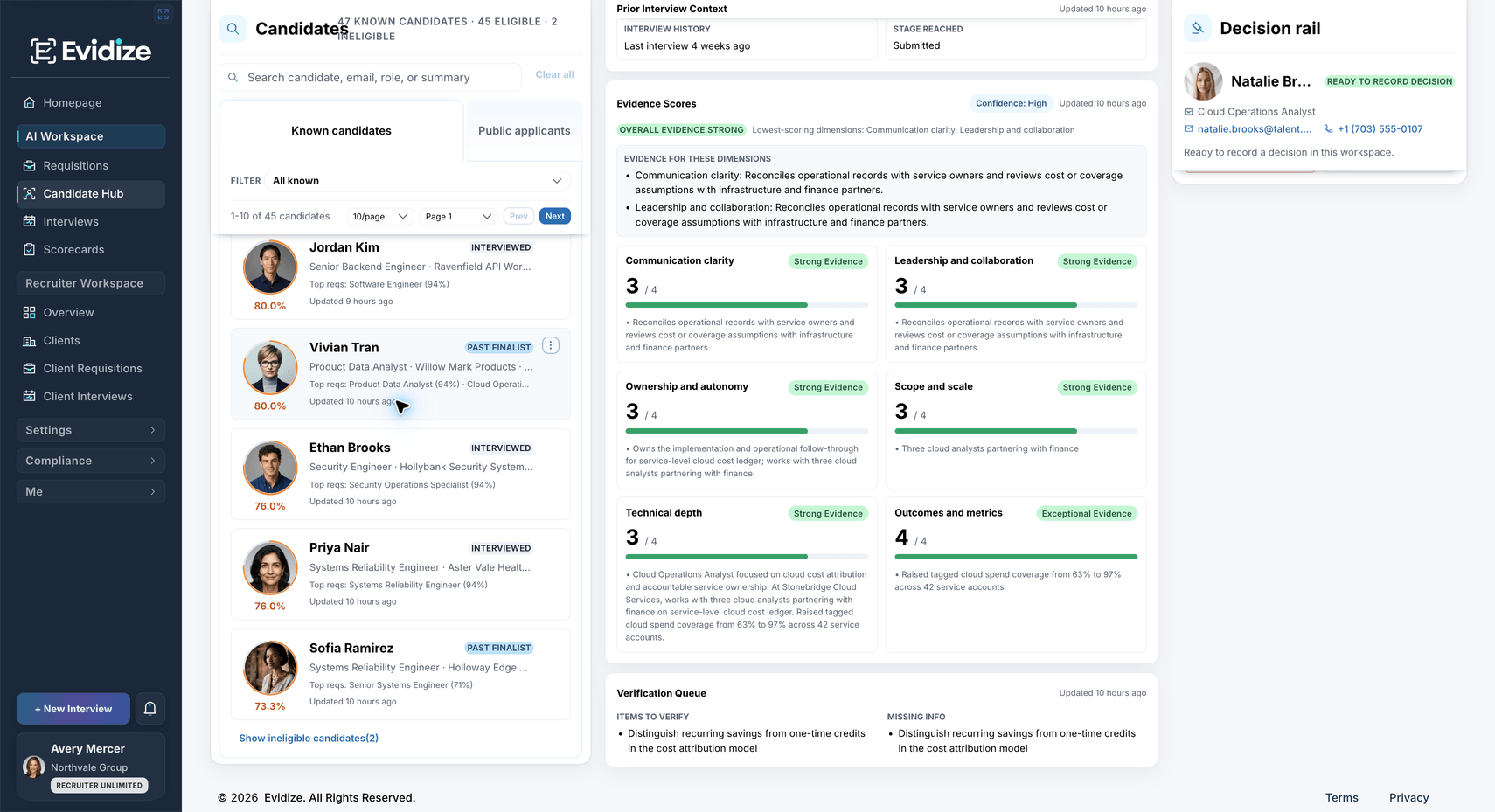
Follow the evidence: source excerpts and an explicit verification question help the interviewer prepare a focused follow-up.
Open the résumé excerpts behind Camille’s summary. The verification queue asks the reviewer to confirm personal ownership, the baseline and the observation window behind her reported outcome.
What you work with
- Source excerpts
- Conversation openers
- Verification items
What carries forward
A more focused follow-up
Carry the specific uncertainty into the conversation and review the answer in context.
Compare the same evidence categories.
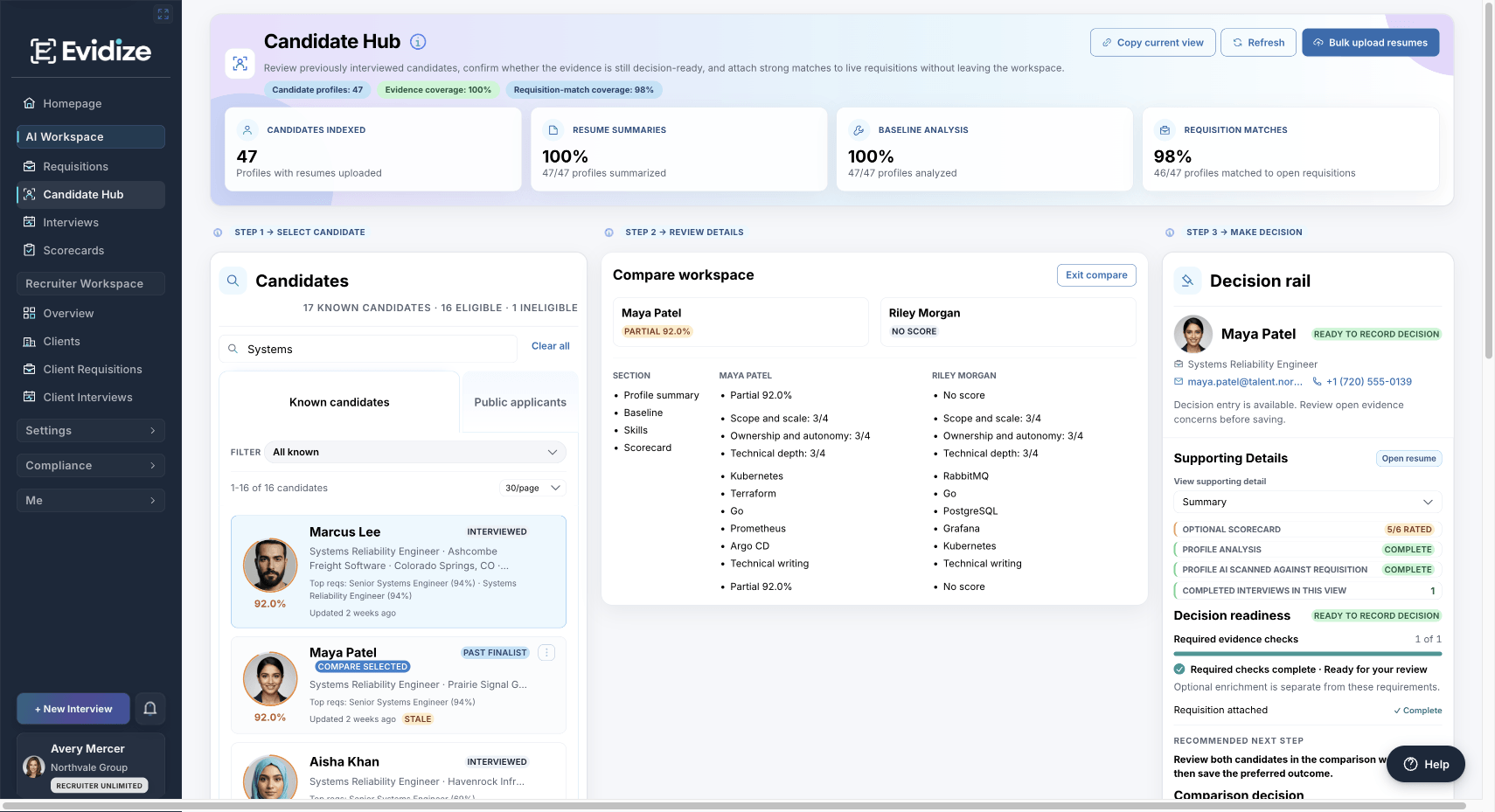
Compare with context: the two demonstration records show the same categories, with source review still part of the decision.
Camille and Adrian are being considered for the same Customer Success Manager role. Review their experience, skills and available scorecard evidence side by side.
What you work with
- Two candidate records
- Shared evidence categories
- Available scorecards
What carries forward
An informed shortlist discussion
Your team interprets the differences; missing information is a prompt to investigate.
Bring the context into your decision.
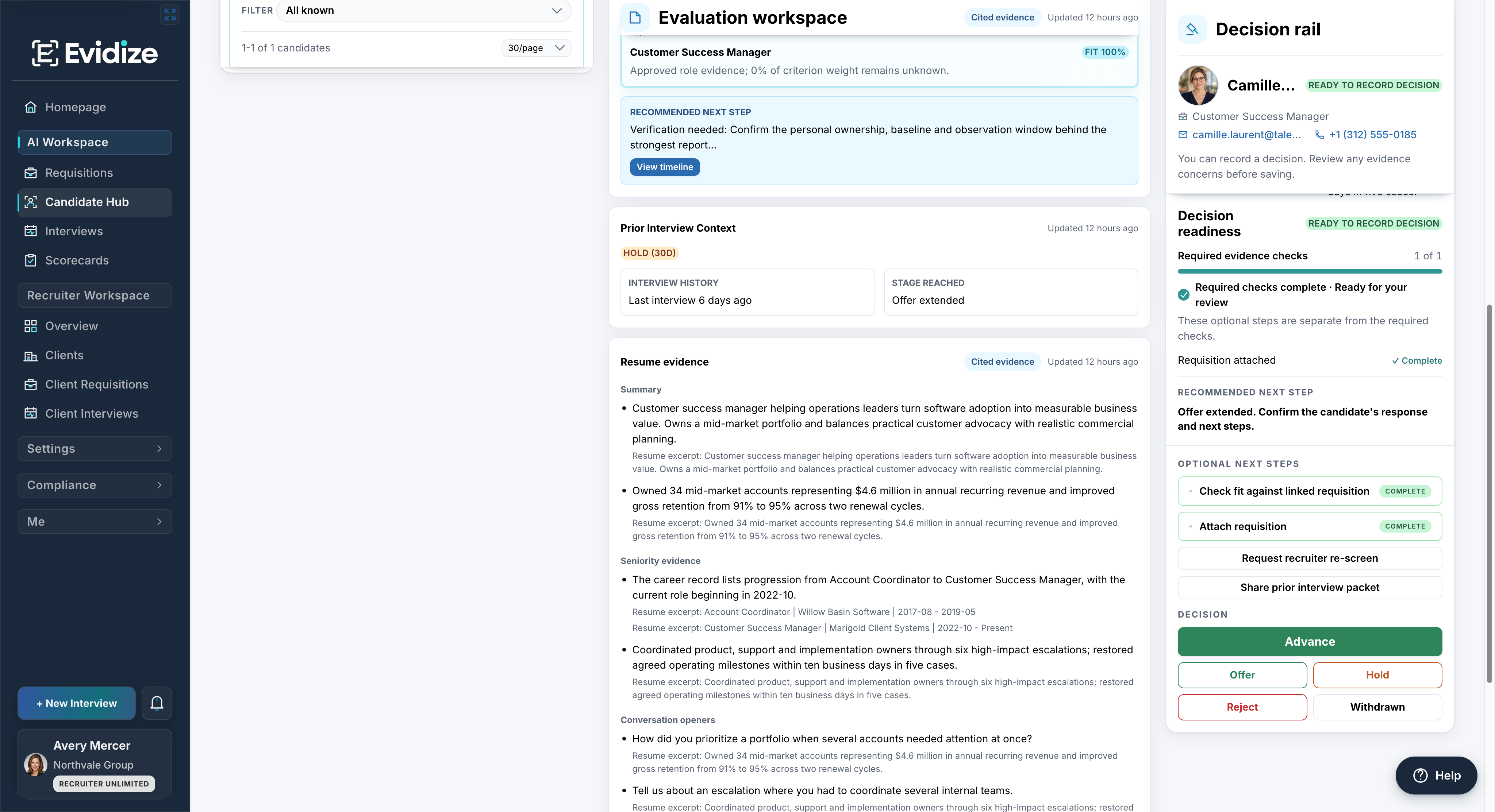
Choose the next action: the human decision controls stay beside the candidate evidence and previous context.
Review readiness, previous interview context and source evidence before selecting an outcome. Authorized reviewers choose the next action and record their rationale.
What you work with
- Readiness checks
- Previous context
- Decision rationale
What carries forward
A reviewer-owned next action
A summary, match or score never makes the hiring decision for your team.
When another role opens
Start with what your team already knows.
A previous interview can inform a new search. Keep useful context, then check what is still relevant before reconnecting a candidate with a role.
Review the previous outcome Read the earlier interview, the team’s reasoning and any unresolved questions.
Refresh what may have changed Confirm current experience, interest and availability through your organization’s process.
Choose a considered next step An authorized reviewer decides whether the record is relevant to the new role.
A match does not establish availability or automatically contact or advance anyone. Access, retention and lawful reuse remain your organization’s responsibility.
Before you get started
Make it work for your team.
See the setup, responsibilities and plan requirements before you decide.
Compare plans and capabilitiesHow do we bring candidate information into the Hub?
Use existing candidate and interview records, or individual résumé intake on plans with the résumé workspace. Bulk résumé upload is available on Enterprise and Recruiter Unlimited. Public applicant workflows require ATS access. Your team reviews source information, processing exceptions and generated summaries. Compare intake capabilities
Can we keep our existing ATS?
Yes. Your team can use Evidize for candidate review and structured interviews alongside its current ATS. Confirm the intake and handoff process before rollout; automatic synchronization with every ATS is not included.
Does Candidate Hub verify every claim or rank candidates for us?
No. Summaries and scores help navigate available information. Review source records and use fair follow-up to clarify uncertainty. Missing information is not evidence that a candidate lacks ability, and Evidize does not predict job performance or make hiring decisions.
Who can access and reuse candidate information?
Access depends on the organization, user permissions and plan. Your organization remains responsible for appropriate use and retention, including when considering someone for a later role.
What will we see in the demo?
Follow one candidate from the available record to an open question, a comparison and a reviewer handoff. We can use a prepared example and discuss your intake requirements without needing candidate data from you.
See it with your team
Make the next handoff easier.
Walk through the record, the open question and the reviewer’s next step with your team.
Book a Candidate Hub demoFree 30-minute Teams demo. Use our example or bring your workflow.